
Everything in the package, laid out.
This is a complete package, built by the same engine that builds every paid order, with every option switched on: price block, caption line and guard marks. The ISBN is a made-up number inside our own prefix, so it belongs to no real book. Look through all of it before you buy. The package is generated and delivered the moment PayPal confirms, so it cannot be returned, and there are no refunds after delivery.
Every number and file size on this page is read from the example package itself, rebuilt 5 September 2026.
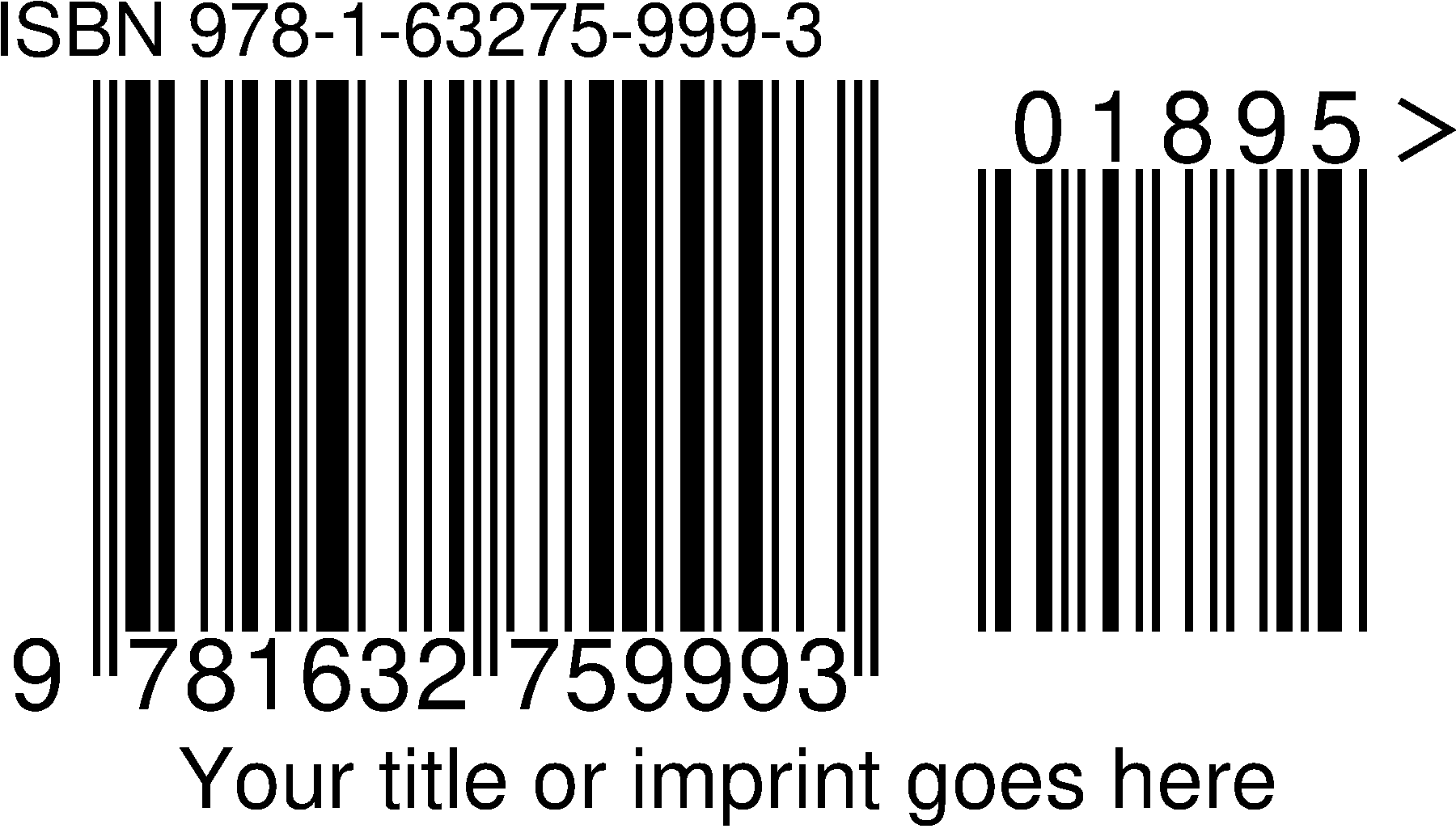
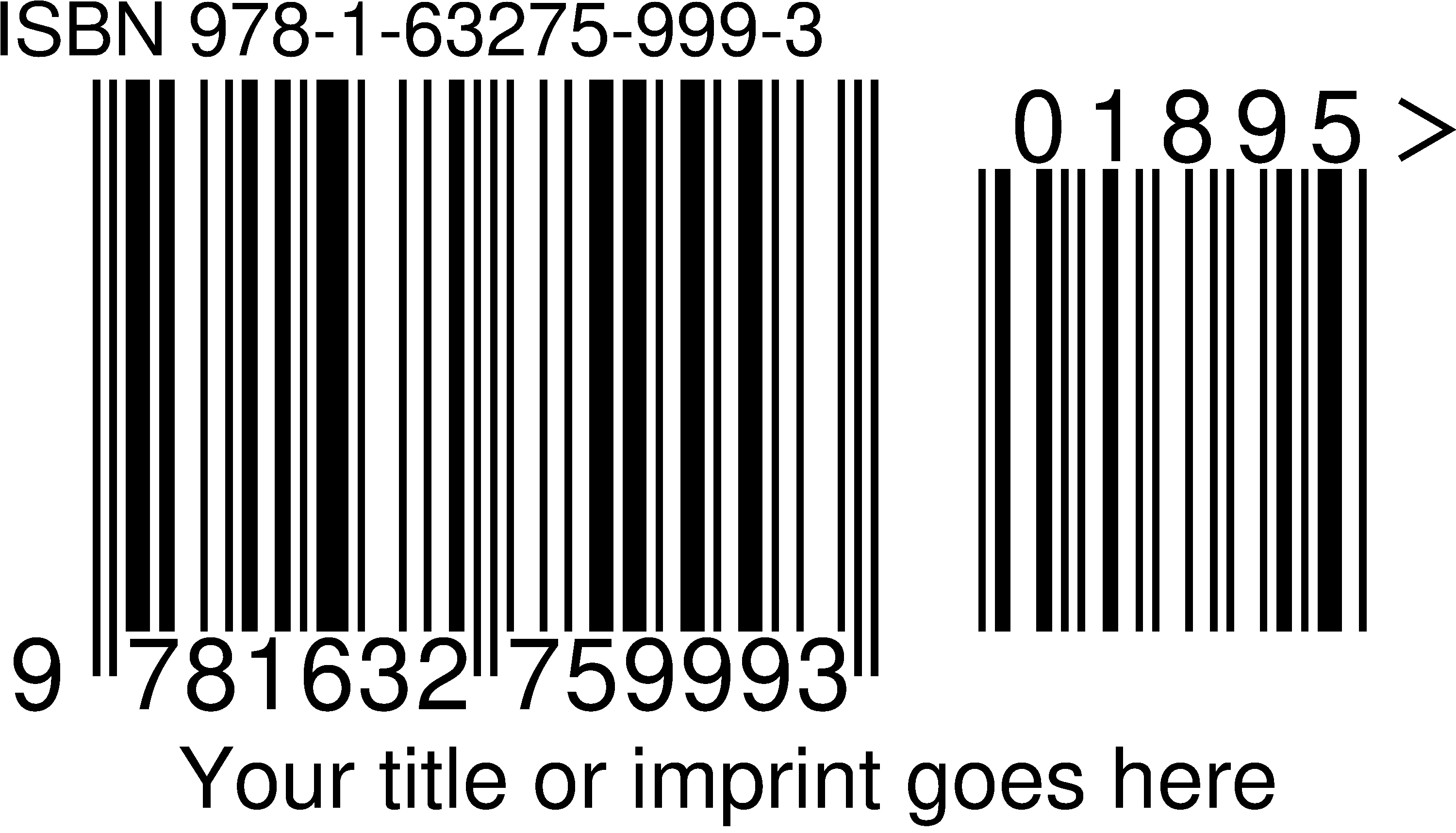
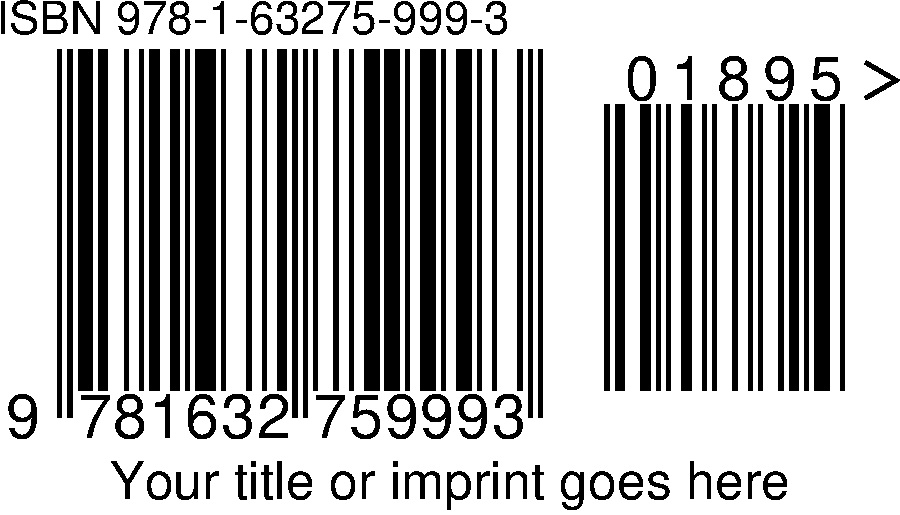
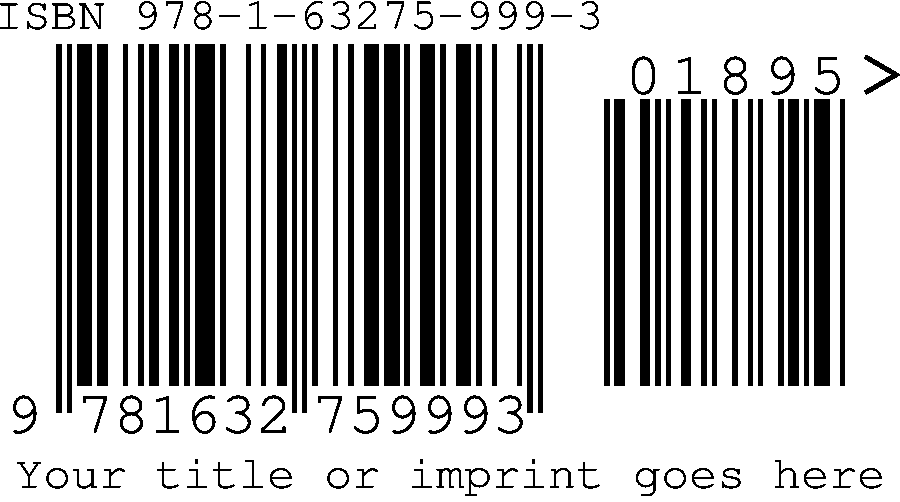
The 3-inch PNG from the package: 1800 × 1030 px at 600 dpi, 12 KB. No watermark. Shown here scaled to fit.
Read it left to right: the ISBN line above the bars, the thirteen digits underneath, the five-digit price add-on (01895 is $18.95) with its own small symbol to the right, the guard marks at the edges showing a printer where the clear space ends, and your caption line centred beneath. Every file below is this same symbol at a different size or in a different format, and each option is shown on its own further down.
What you see before paying
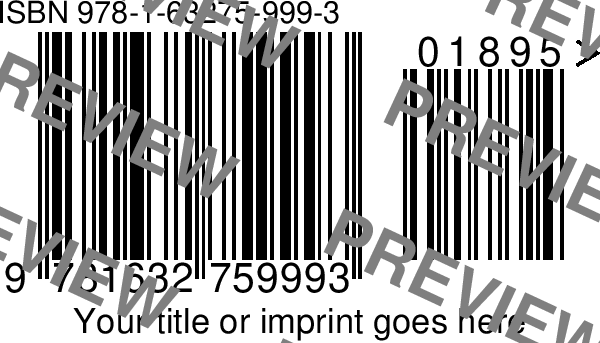
Screen preview, tiled with “PREVIEW”. Check the digits, price, caption and font here.
What you receive
Clean, in every size and format listed below, the moment payment clears.
One archive, prolific-press-barcodes-978-1-63275-999-3-example.zip, 856 KB to download and 1.8 MB unpacked. Your ISBN replaces this one in every filename. Click any file to open or save it.
| File | Size | Pixels | Prints at |
|---|---|---|---|
| vector/ | EPS and PDF. Resolution independent; what a printer or designer asks for. | ||
| 978-1-63275-999-3-01895.eps | 165 KB | — | any size |
| 978-1-63275-999-3-01895.pdf | 3 KB | — | any size |
| png-600dpi/ | One file per printed width. Lossless, crisp bar edges. | ||
| 978-1-63275-999-3-01895-2-inch.png | 8 KB | 1200 × 686 | 2″ wide at 600 dpi |
| 978-1-63275-999-3-01895-3-inch.png | 12 KB | 1800 × 1030 | 3″ wide at 600 dpi |
| 978-1-63275-999-3-01895-4-inch.png | 18 KB | 2400 × 1373 | 4″ wide at 600 dpi |
| 978-1-63275-999-3-01895-5-inch.png | 23 KB | 3000 × 1716 | 5″ wide at 600 dpi |
| 978-1-63275-999-3-01895-6-inch.png | 30 KB | 3600 × 2059 | 6″ wide at 600 dpi |
| 978-1-63275-999-3-01895-7-inch.png | 37 KB | 4200 × 2403 | 7″ wide at 600 dpi |
| 978-1-63275-999-3-01895-8-inch.png | 45 KB | 4800 × 2746 | 8″ wide at 600 dpi |
| jpg-300dpi/ | The same widths, for software that will not take PNG. | ||
| 978-1-63275-999-3-01895-2-inch.jpg | 59 KB | 600 × 343 | 2″ wide at 300 dpi |
| 978-1-63275-999-3-01895-3-inch.jpg | 108 KB | 900 × 515 | 3″ wide at 300 dpi |
| 978-1-63275-999-3-01895-4-inch.jpg | 157 KB | 1200 × 686 | 4″ wide at 300 dpi |
| 978-1-63275-999-3-01895-5-inch.jpg | 208 KB | 1500 × 858 | 5″ wide at 300 dpi |
| 978-1-63275-999-3-01895-6-inch.jpg | 264 KB | 1800 × 1030 | 6″ wide at 300 dpi |
| 978-1-63275-999-3-01895-7-inch.jpg | 321 KB | 2100 × 1201 | 7″ wide at 300 dpi |
| 978-1-63275-999-3-01895-8-inch.jpg | 365 KB | 2400 × 1373 | 8″ wide at 300 dpi |
| Loose in the ZIP | The README and the placement guide. | ||
| README.txt | 2 KB | — | — |
| barcode-placement-guide.pdf | 4 KB | — | — |
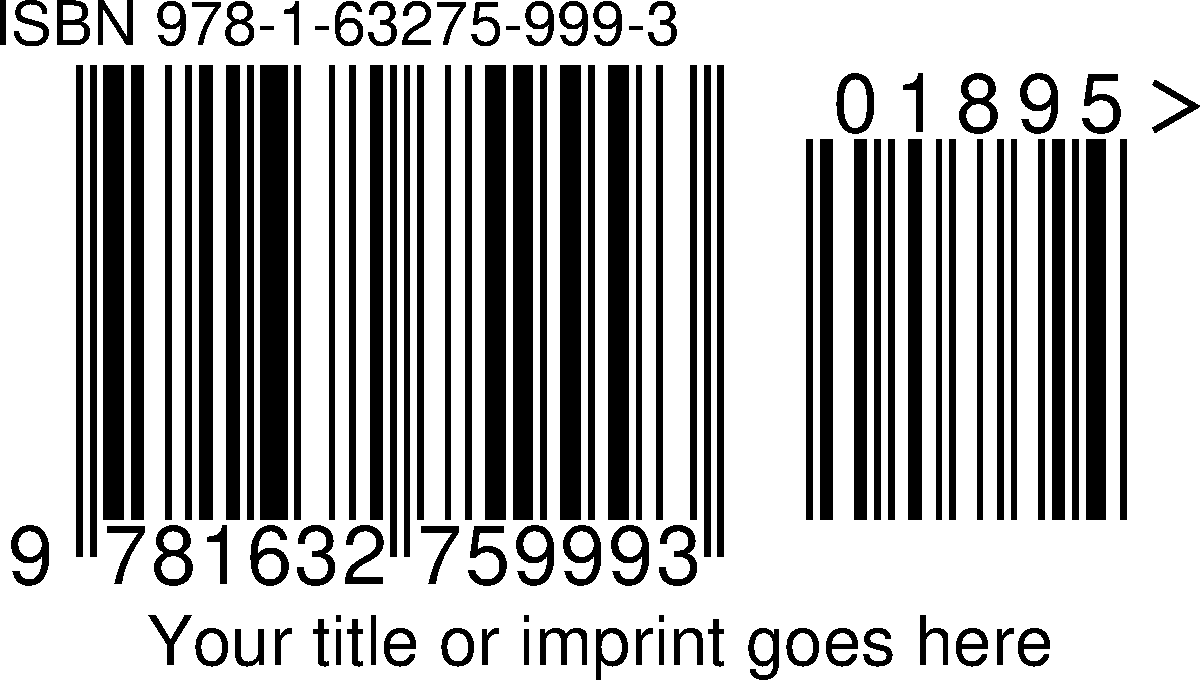
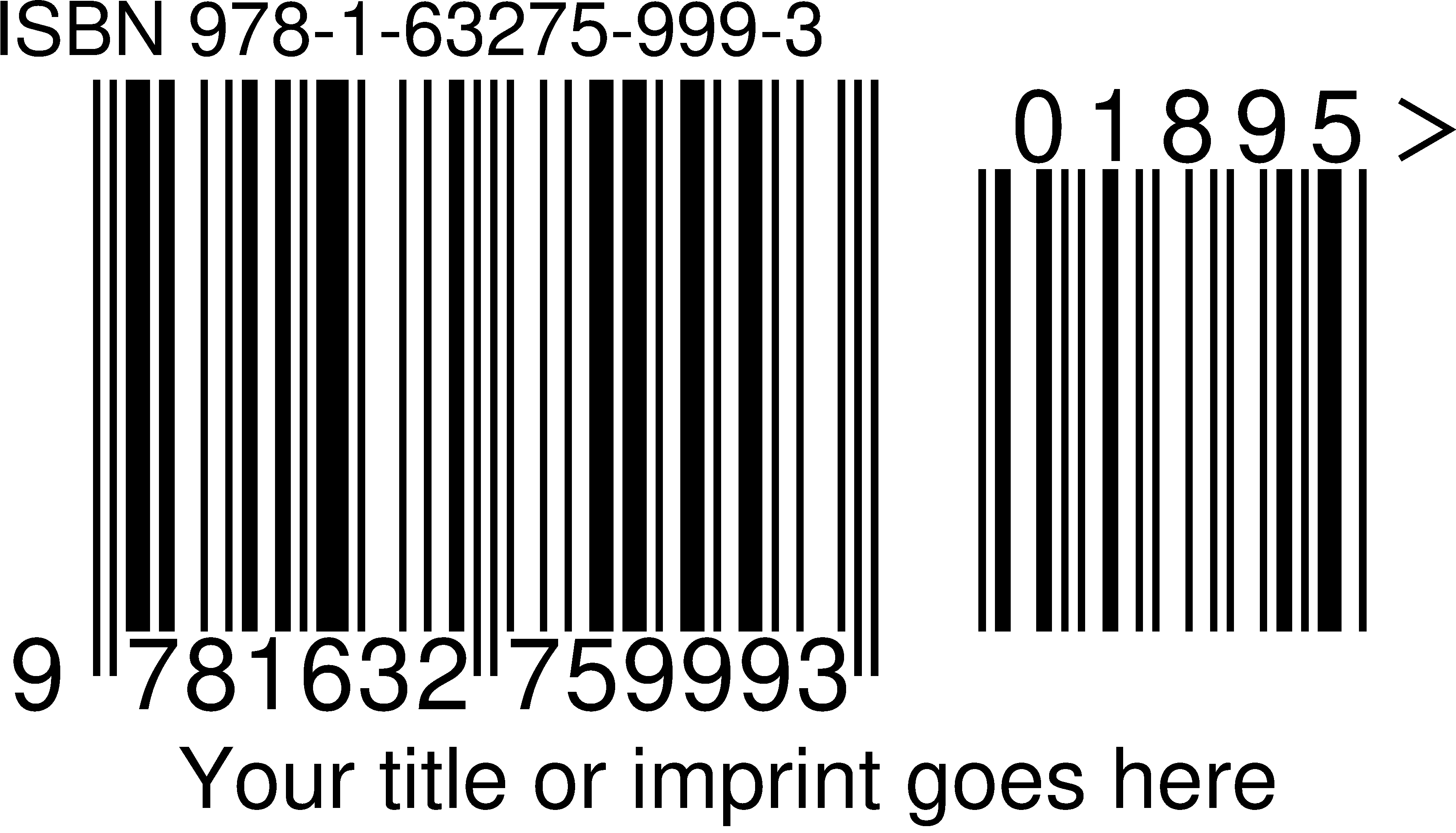
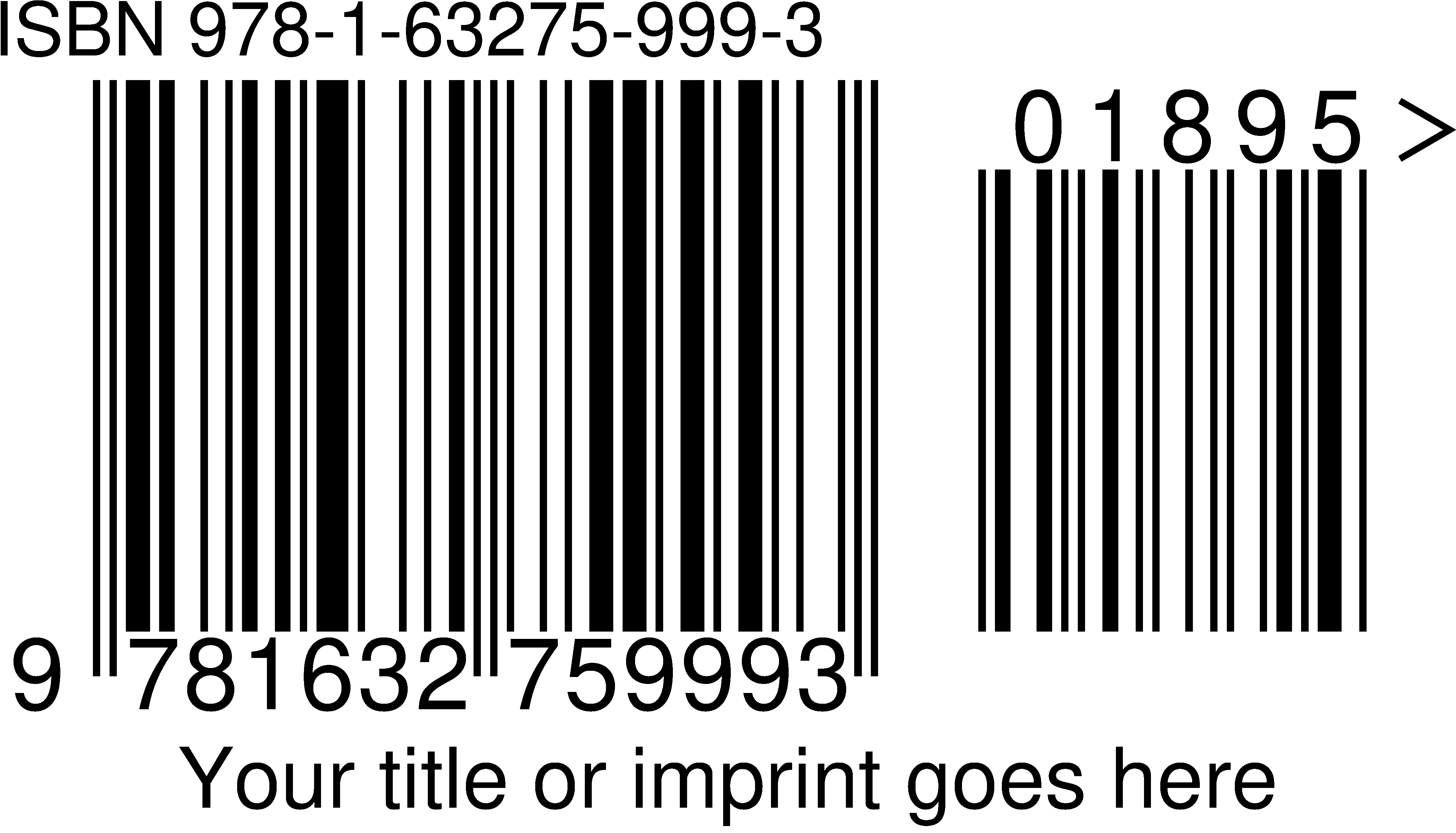
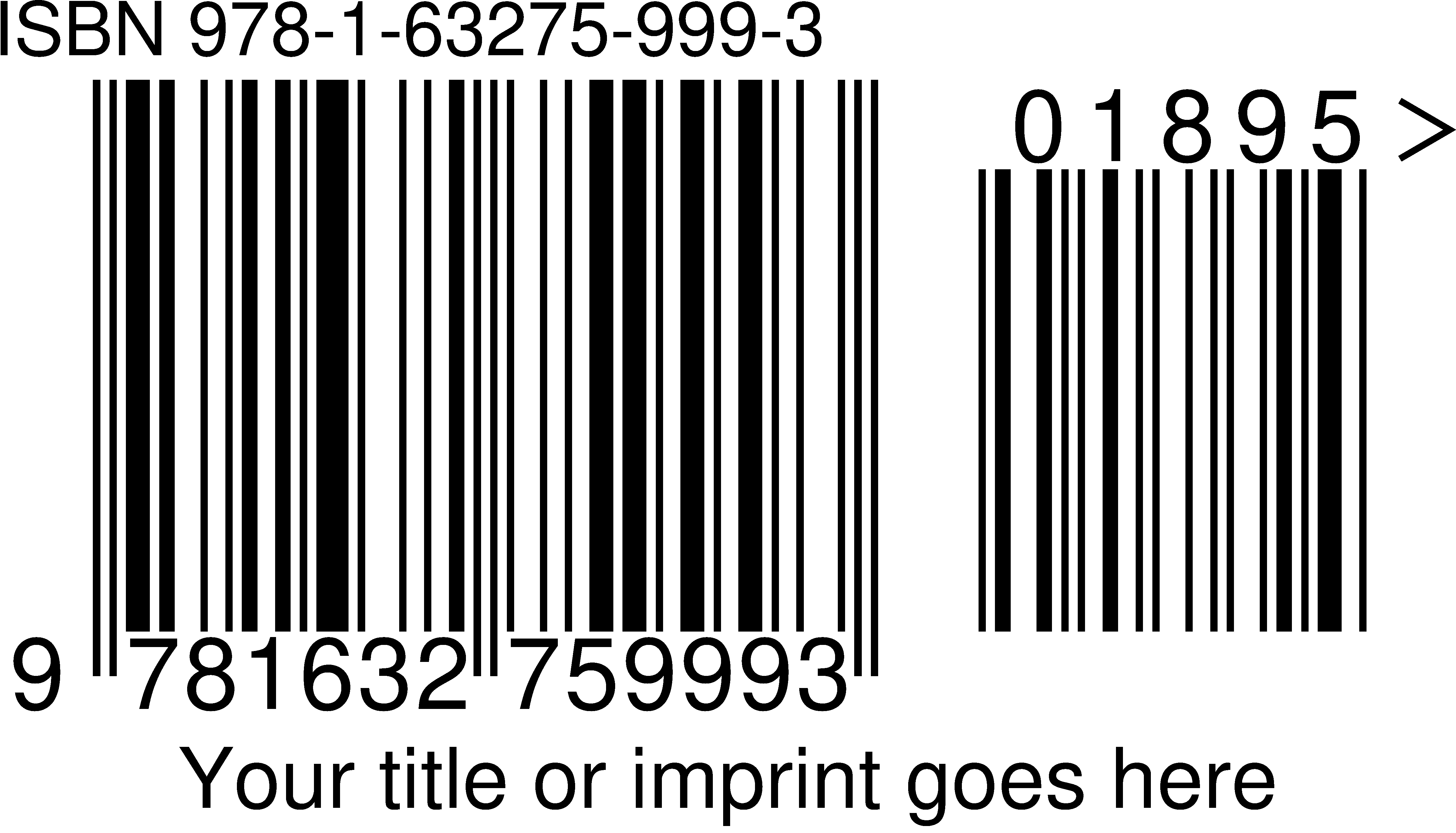
Each raster file is tagged with its own resolution, so placing it at 100% in InDesign, Affinity, Word or Canva gives exactly the width in its name. Pick the file that matches the width you want rather than scaling one after you place it. Most back covers use a barcode between 1.75 and 2.5 inches wide; the larger sizes are for proofs, posters and large-format covers. Shown below at roughly life size on a typical screen.
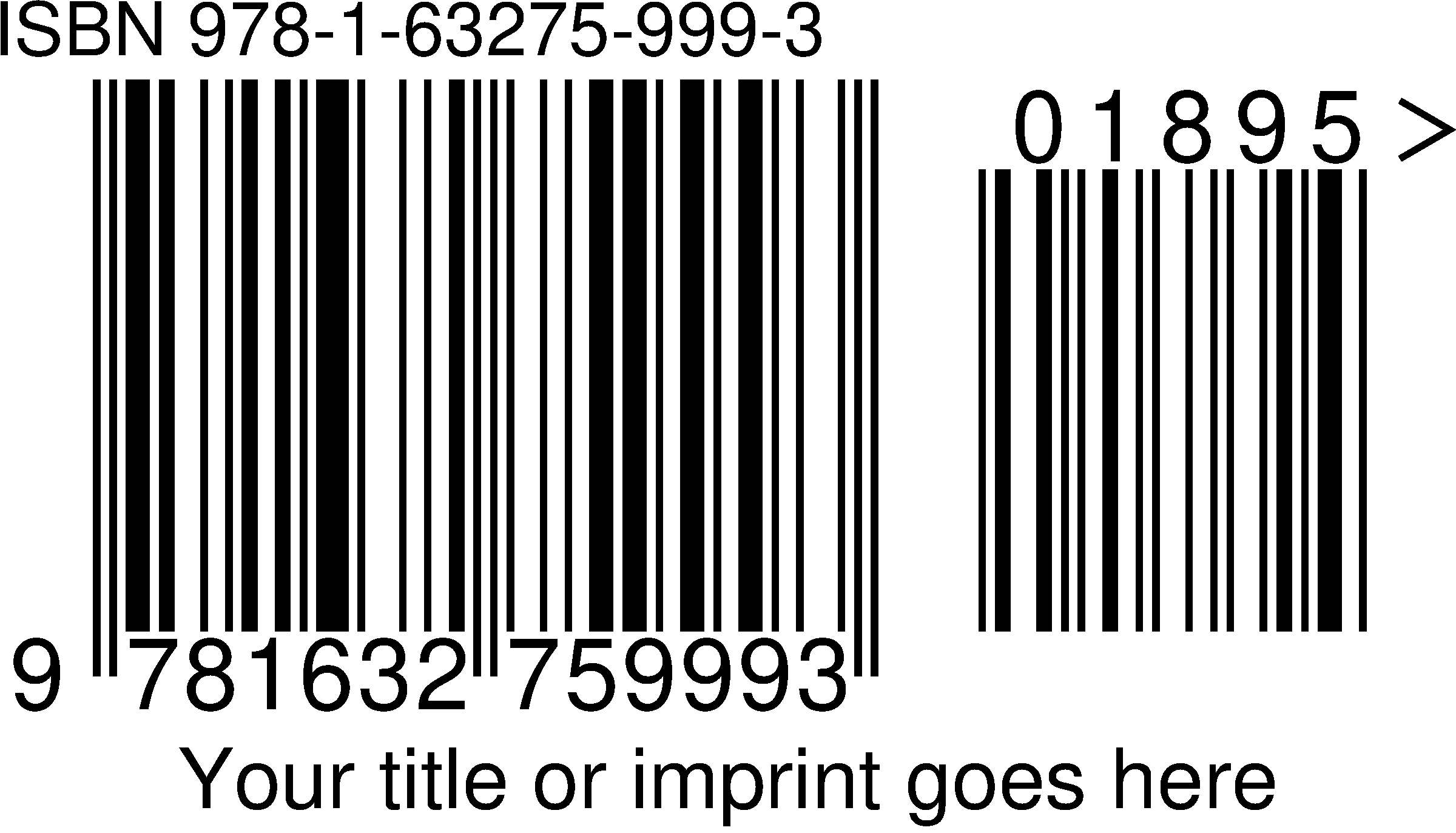
The same widths are in the ZIP again as JPG at 300 dpi, and the EPS and PDF have no size at all.
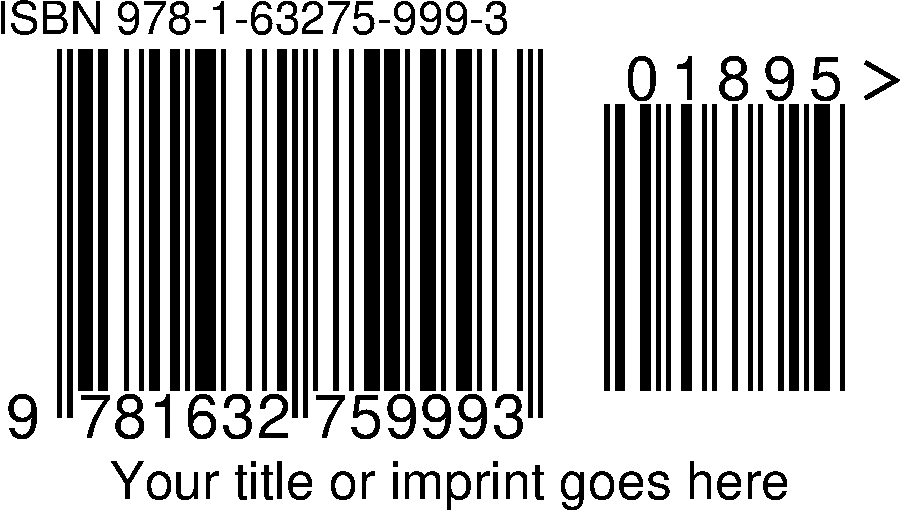
Each premium option is independent; switch on any combination. All of these are the same ISBN, drawn at three inches, in the default font. The bars and digits scan identically in every case.
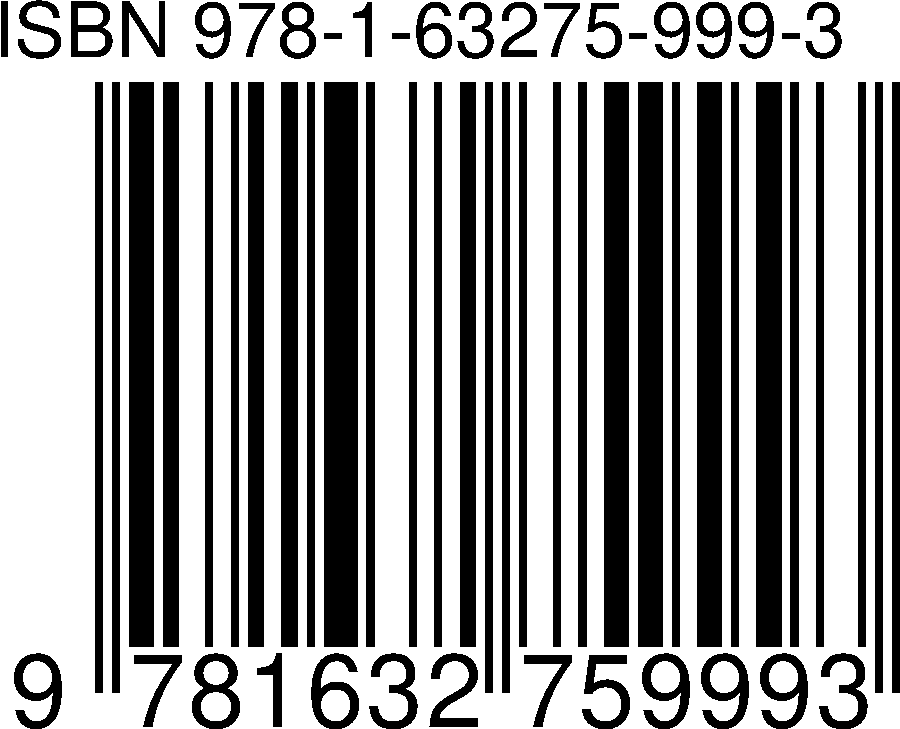
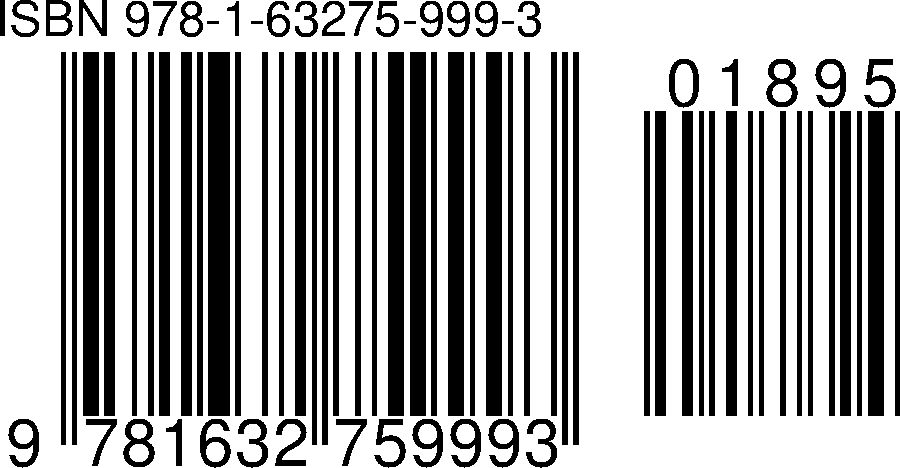
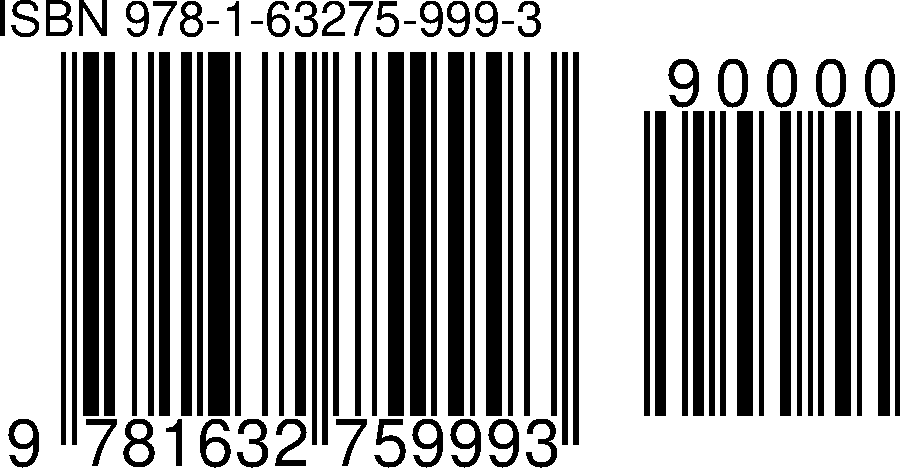
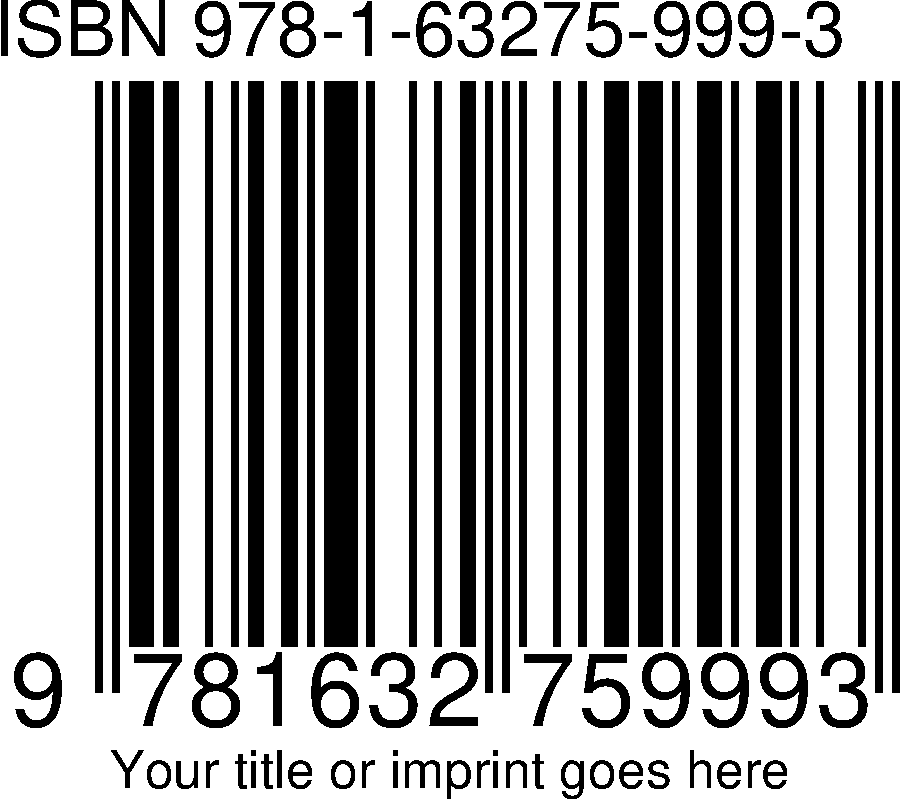
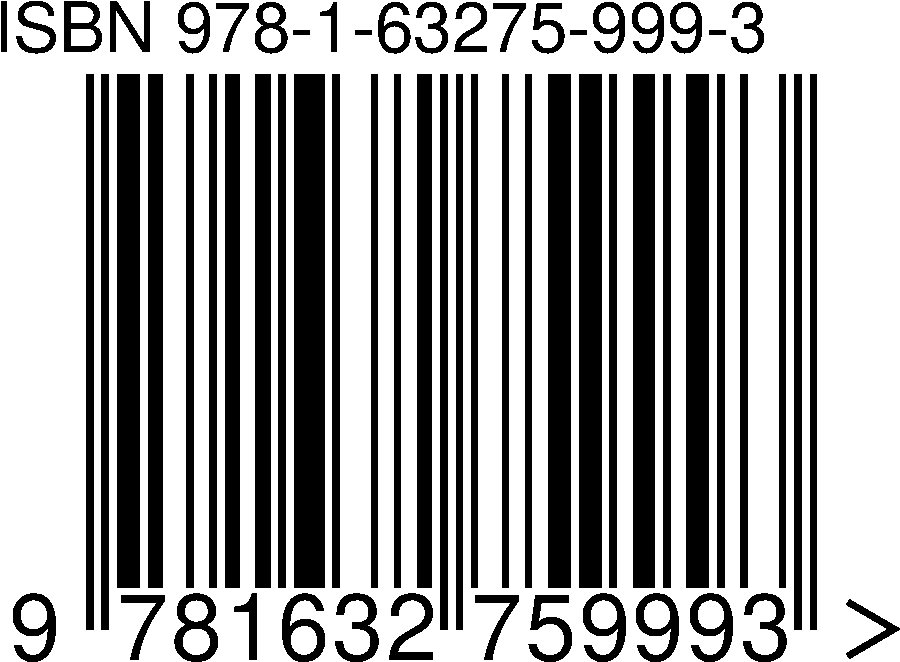
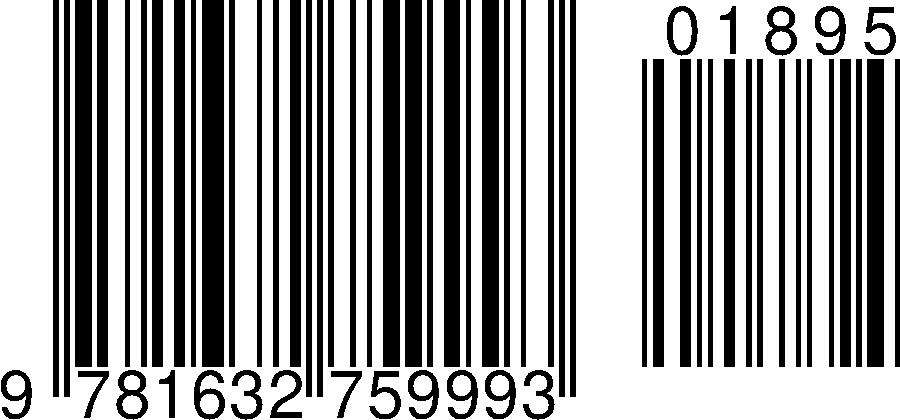
The font is used for the ISBN line, the digits under the bars and the caption line; the bars themselves never change. Helvetica is the default. OCR-B is the typeface the EAN standard names for barcode digits. All six scan identically; this is purely a matter of how the number looks on your cover. You choose it before paying, and you can change it afterwards with a free rebuild.
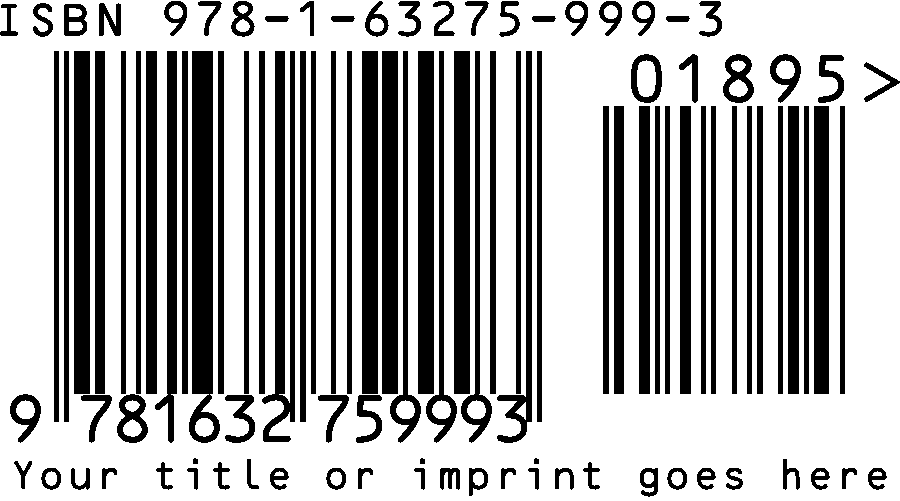
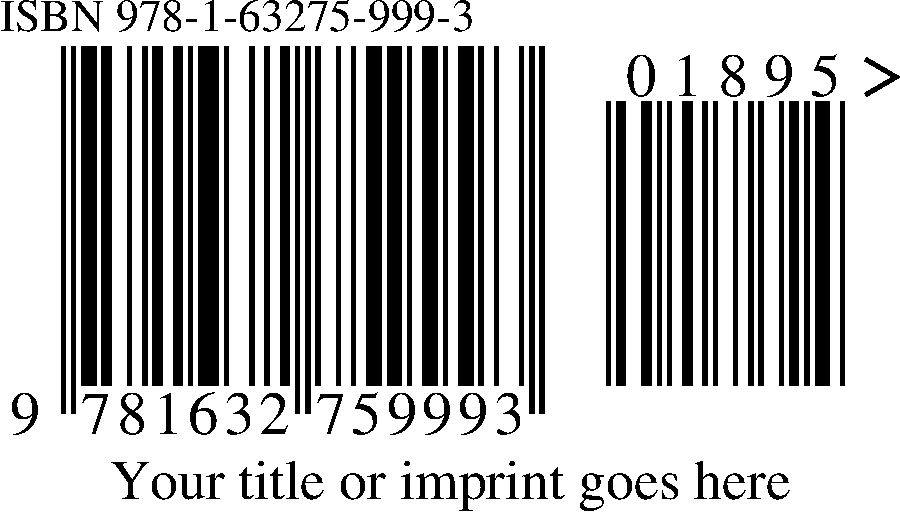
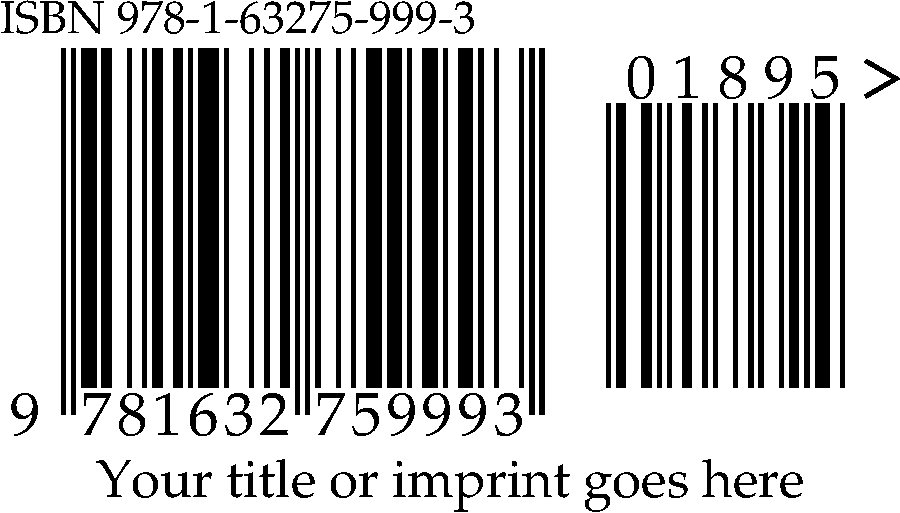
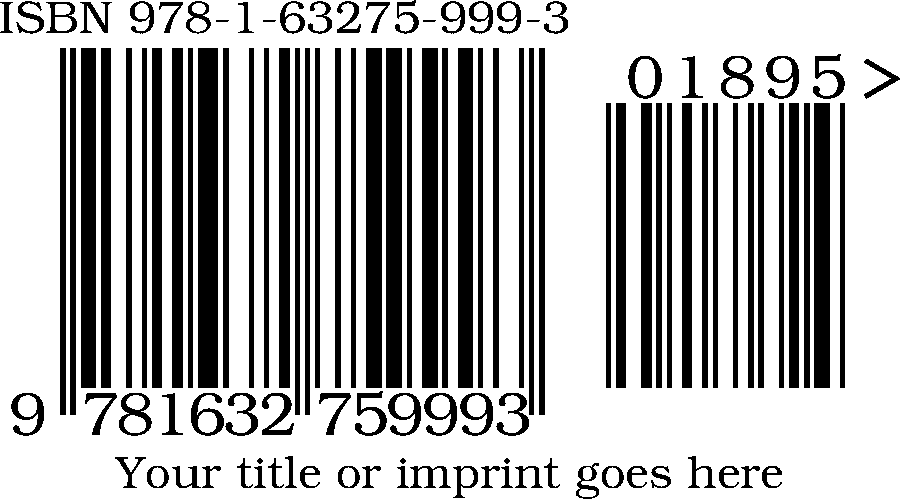
A plain-text file in the root of the ZIP. It records the exact options your package was built with and repeats the printing notes, so a designer who receives only the folder still knows what they have.
Prolific Press - ISBN barcode package
=====================================

Code encoded:   978-1-63275-999-3 01895
Price add-on:   01895
Caption line:   Your title or imprint goes here
Guard marks:    yes
Text font:      Helvetica

What is in here
---------------
vector/       EPS and PDF. True vector artwork - no pixels. Scale these to any
              size at all with no loss. This is what a professional printer or
              designer will ask you for.
png-600dpi/  PNG at each printed width: 2", 3", 4", 5", 6", 7", 8".
jpg-300dpi/  JPG at each printed width, for software that will not take PNG.

Every raster file is tagged with its own resolution, so placing it at 100% in
InDesign, Illustrator, Affinity, Word or Canva gives exactly the width named in
the filename. Pick the file that matches the width you want rather than scaling
one after you place it. Scaling is the most common reason a book barcode fails
to scan.

If you have the choice, use the EPS or the PDF. They are resolution independent
and will be sharp at any size on any press.

Printing notes
--------------
* Print solid black on a white or very light background. Avoid colour bars.
* Leave clear white space around the whole symbol, including the digits.
* Do not crop the digits off. The number below the bars is part of the symbol.
* Most back covers use a barcode between 1.75 and 2.5 inches wide. The larger
  files here are for posters, signage, proofs and large-format covers.
* Do not re-save the PNGs as JPEG. JPEG blurs the bar edges.

The five digits in the small block to the right are the price add-on.
90000 means "no price encoded".

Made with the barcode generator at
https://prolificpress.com/barcode-creator/

Thank you. We appreciate you supporting our press.

Prolific Press Inc. - https://prolificpress.com/
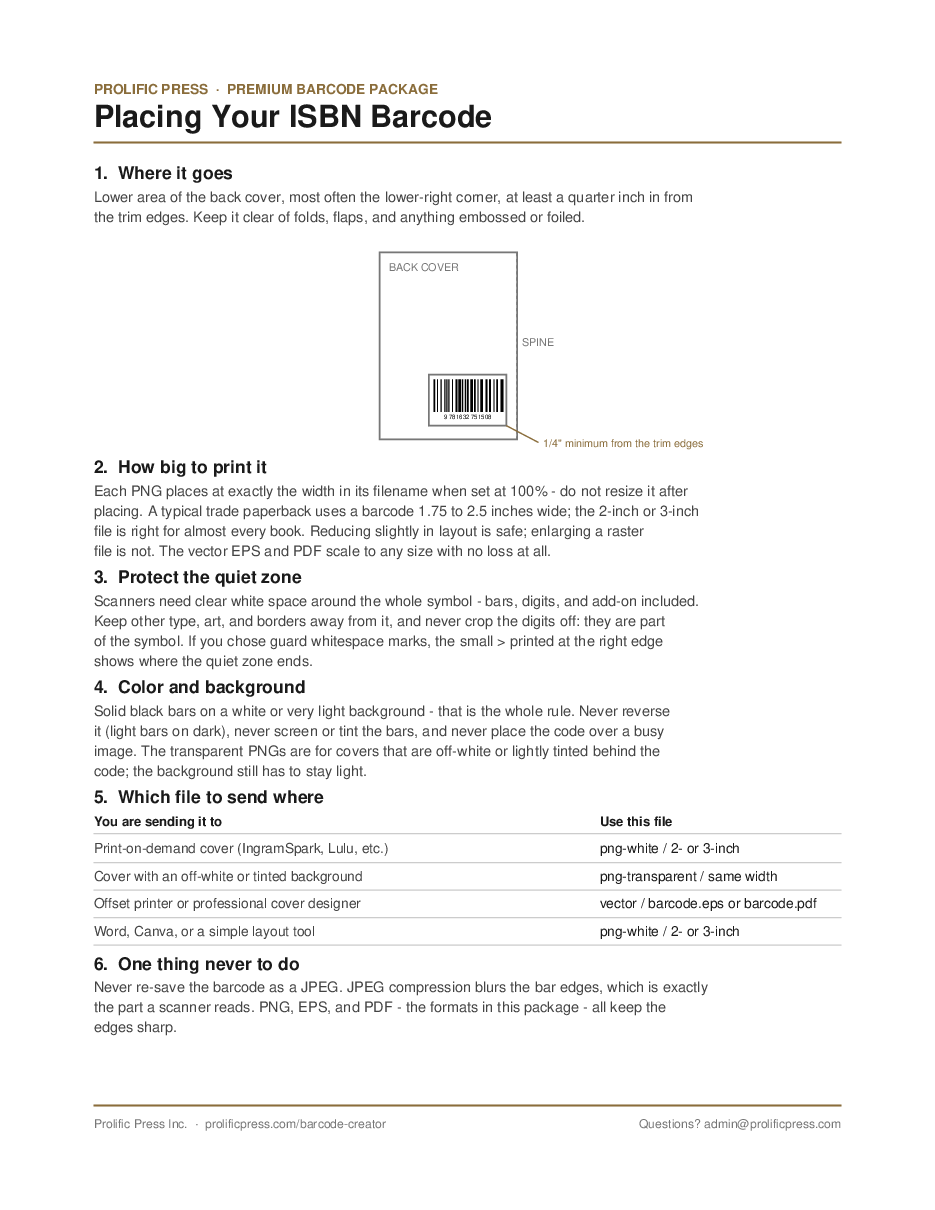
A one-sheet PDF, 4 KB, on where the barcode goes on a back cover, how much clear space to leave around it, and which of the files to hand to a printer. It is the same sheet in every package.
The moment PayPal confirms, the confirmation page offers the ZIP for download, and the same ZIP is emailed to the address you gave. The email also carries two links that work for a year: one that rebuilds and re-downloads the whole set if you lose it, and one that changes the price block, caption, guard marks, font or barcode style and emails a fresh set. Both are free, up to 10 rebuilds per order. The ISBN itself is fixed, because an order covers one book; if the number is wrong, contact us and we correct it by hand.
Before you buy: no refunds after delivery
The package above is generated for your ISBN and handed over in seconds. Once it is delivered it cannot be returned, and it is a complete, working product for anyone who has it, so we do not refund the $10 after delivery. That is why this page exists: everything you would receive is shown here first, and you can download this example package and open every file in your own software before spending anything.
What you have instead of a refund:
- Free rebuilds for a year if the price, caption, guard marks, font or style need changing.
- Free recovery for a year if you lose the files.
- A fix by hand if the ISBN itself was entered wrong. Contact us with your receipt.
- The free 3-inch barcode, which needs none of this and costs nothing.
At checkout, before the PayPal button will work, you will click a statement that reads:
“I have reviewed the package example and accept that there are no refunds after delivery.”
The time of that click is recorded on your order.